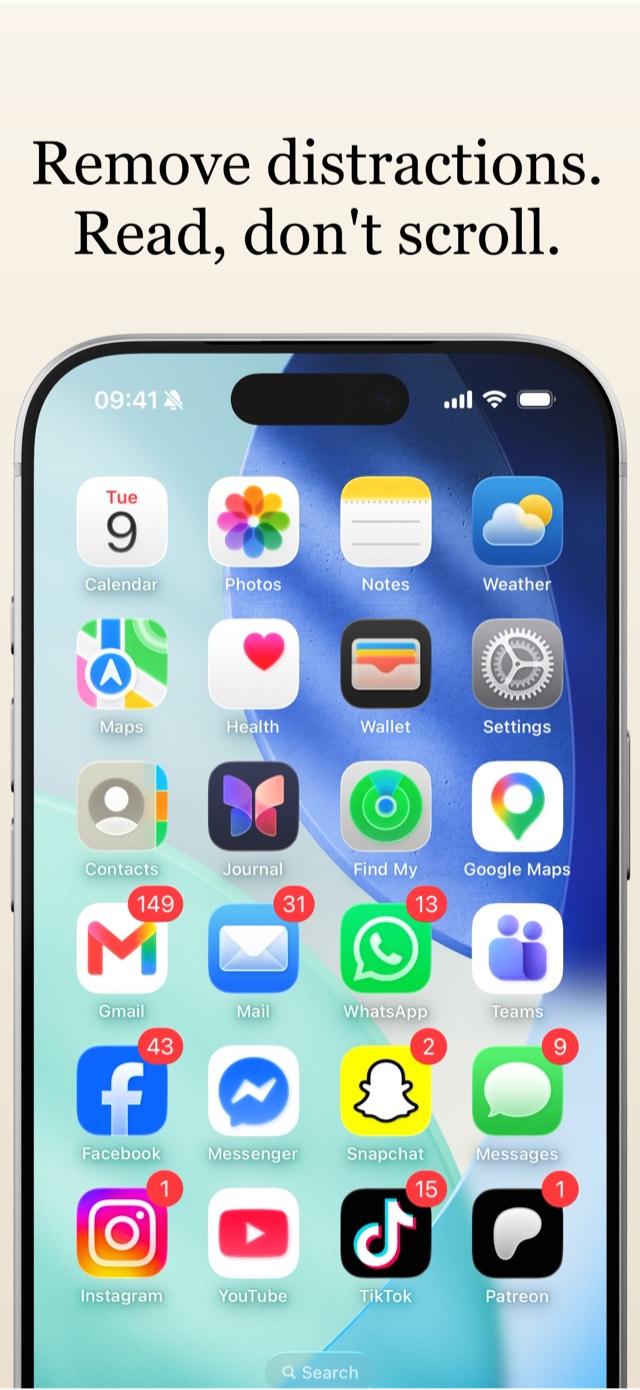
Read books, not feeds.
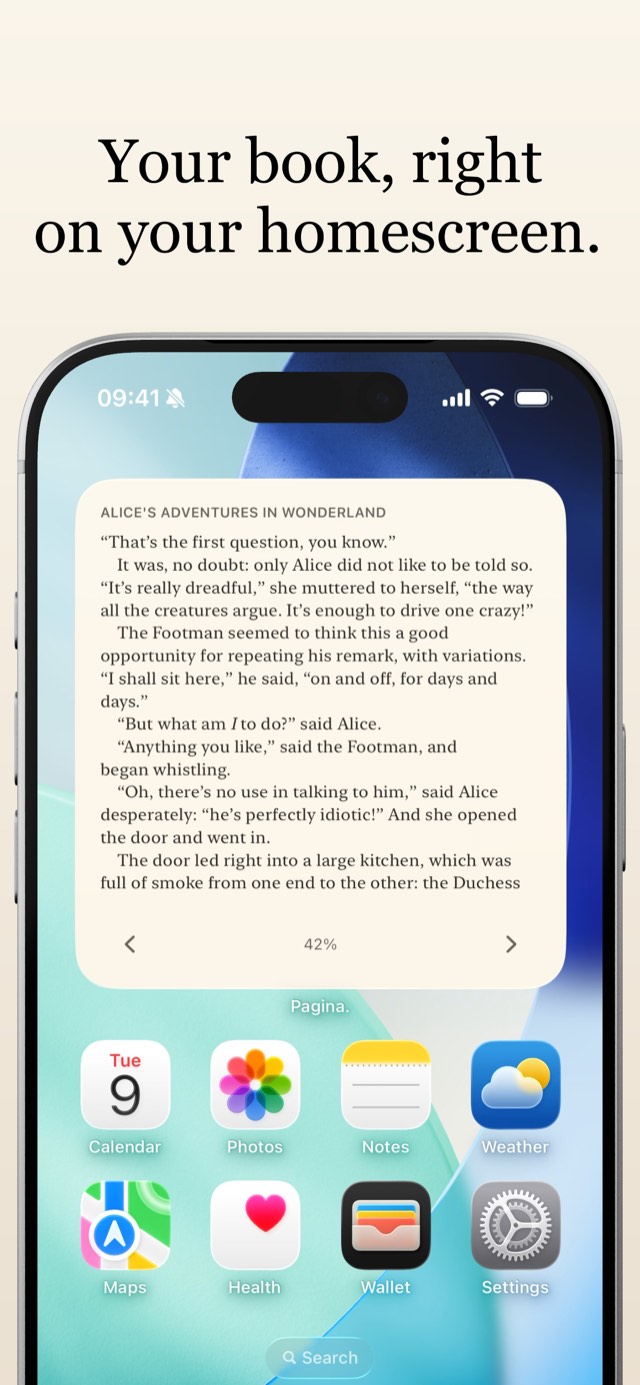
Pagina puts the current page of your book on your Home Screen, with page-turn buttons right on the widget. Your book, where your feeds used to be.
See it in action
Twenty seconds: adding the widget, and reading a page without opening an app.
A reading app built around one idea
Every time you pick up your phone, your book is already open. The widget shows a real, precisely measured page of the book you are reading, and the page-turn buttons work directly on the Home Screen.
- An interactive Home Screen widget The heart of the app. Your current page, with page-turn buttons, right on the Home Screen. Tap the text to jump into the full reader.
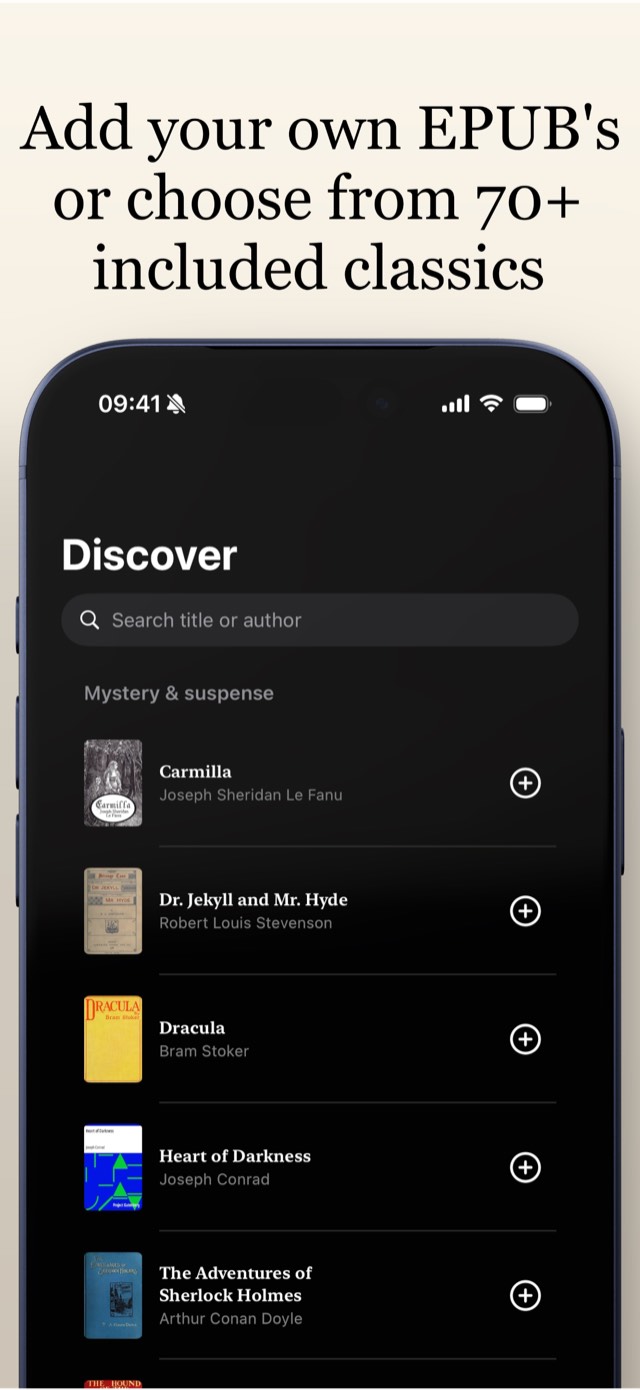
- Four classics included, seventy more to discover Start reading right away, then browse a hand-picked catalog of public-domain classics digitized by Project Gutenberg. Every book ships with the app, so adding one works offline.
- Bring your own books Import DRM-free EPUB files from the Files app, or open them straight into Pagina. Italics and bold from the original book survive the import, in the reader and on the widget.
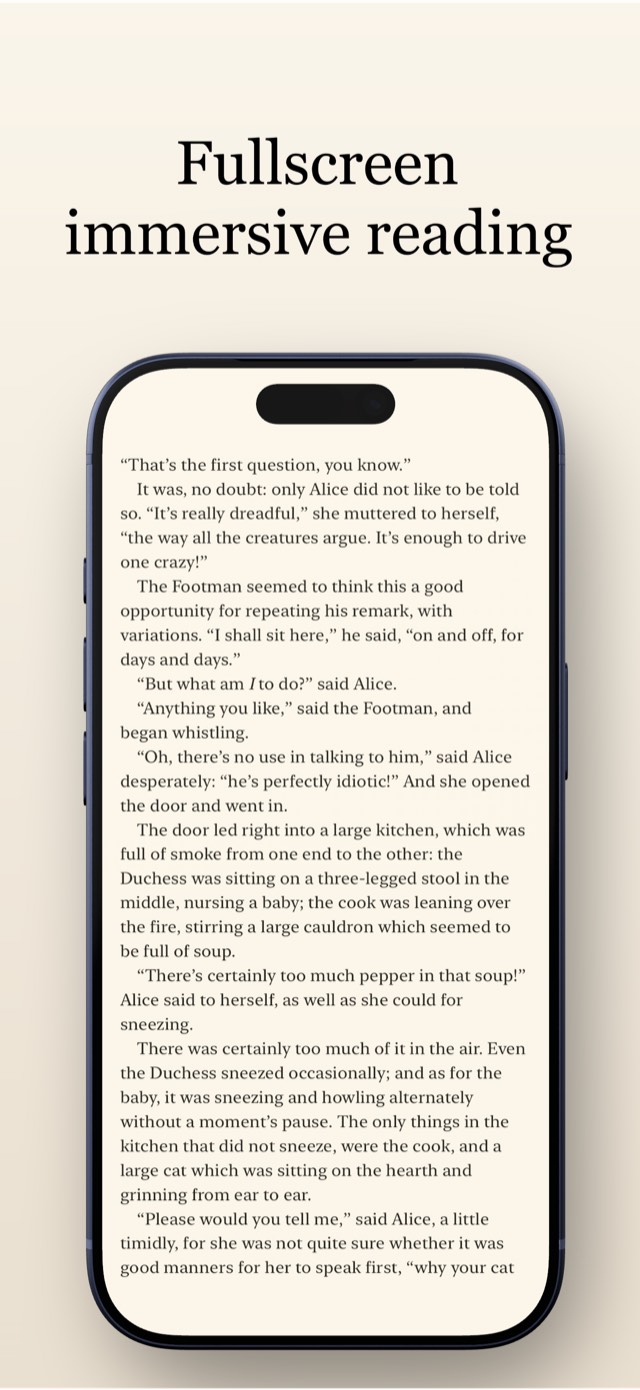
- A reader that gets out of the way Tap the middle of the page and everything yields to the text: the controls go, the status bar goes, and the page takes the whole screen. Tap again and it all comes back.
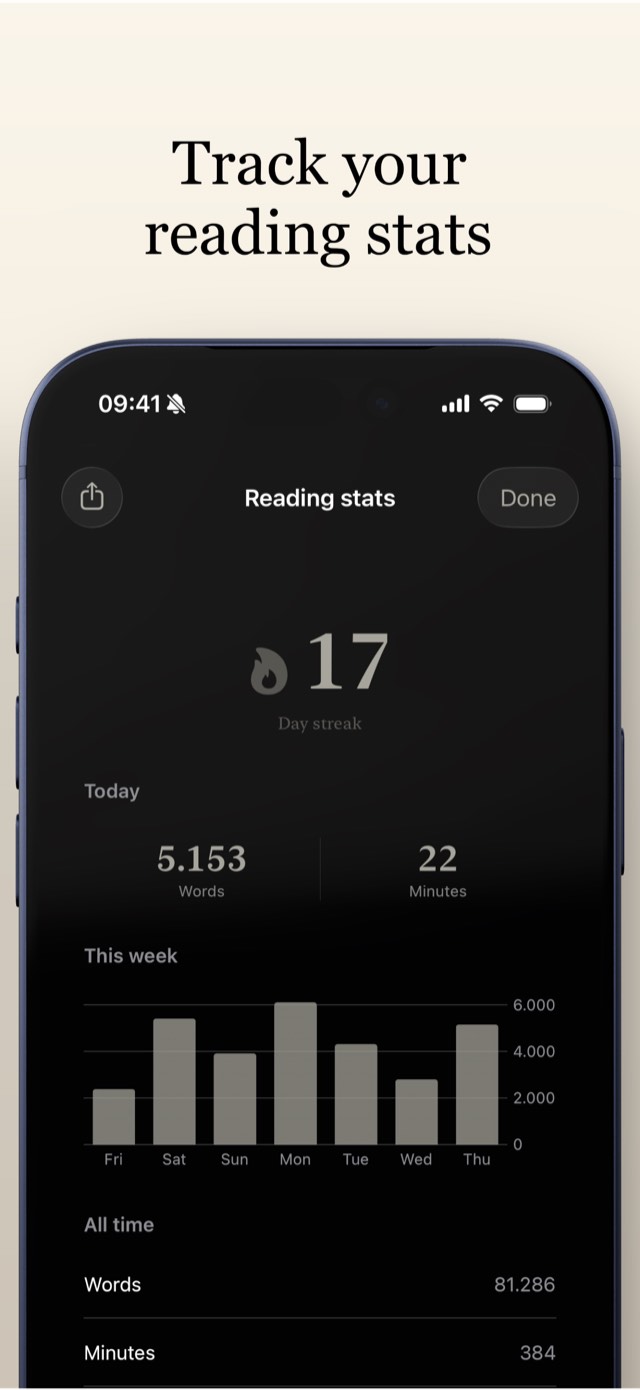
- Reading stats and streaks See how much you read and keep your streak alive. Pages count only when you actually read them, and the ones you turn on the widget count just as much as the ones in the reader.
- On your Lock Screen and nightstand too Lock Screen widgets show your book and progress, and StandBy keeps your page on the nightstand while your iPhone charges.
- Find your way through any book A chapter list with progress, full-text search, and a scrubber with live preview. After a jump, one tap brings you back to where you were reading, and the navigator estimates the time left in your chapter at your own pace.
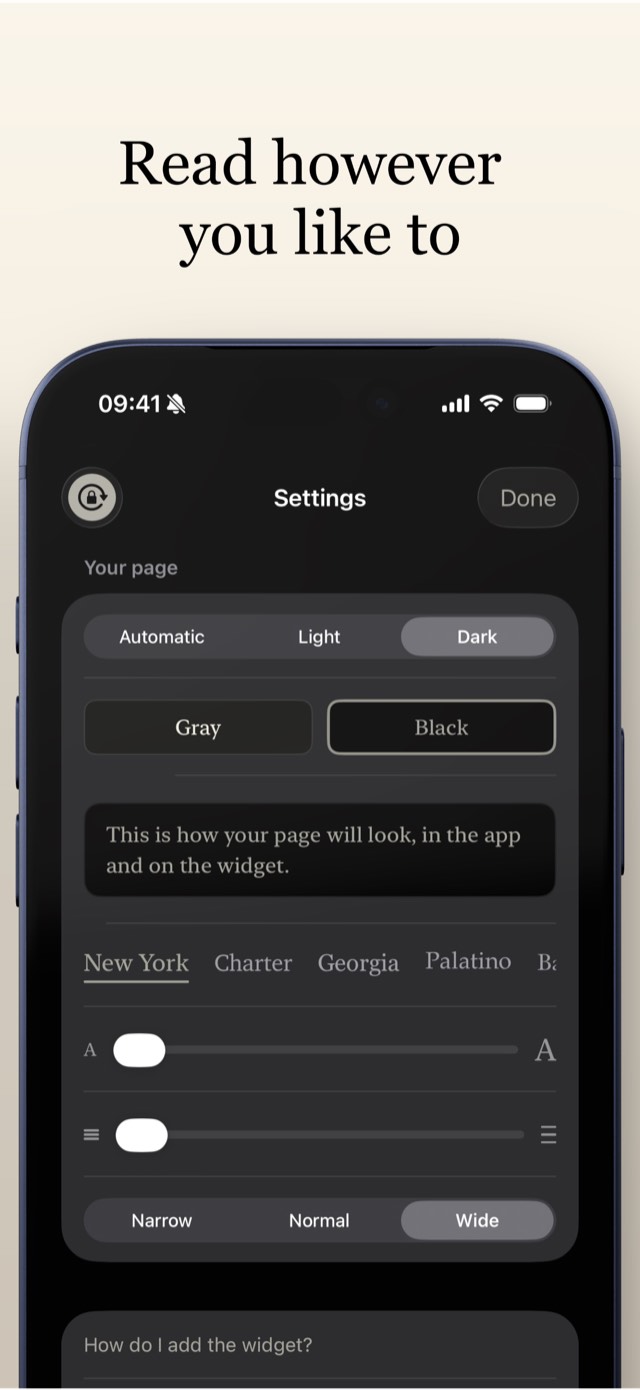
- Typography you can tune Six classic iOS fonts, adjustable size, line spacing and margins, and a paper-and-ink look in light and dark. For reading at night you choose what dark means: a soft gray page, or true black on an OLED screen. A padlock pins the orientation, for reading while lying down.
- Your book follows you across devices Turn pages on your iPhone's widget, then pick up your iPad and continue exactly where you left off. Position, stats and streak sync through your own iCloud, with nothing to set up.
- Pages that are measured, not guessed Pagina measures exactly how much text fits the widget or the reader. Your position is a precise bookmark, and progress is shown as a percentage.
- Private by design No accounts, no analytics, no trackers, no servers of ours. The only network traffic is fetching book covers; sync runs through your personal iCloud, which we cannot see.
Coming to the App Store
Pagina is on its way to the App Store: the submission to App Review is being completed now. As soon as Apple approves it, the download link appears here.
One purchase, no subscription, no ads, no accounts. It runs on iPhone and iPad with iOS 18 or later, in English and Dutch.
Writing about Pagina? The press kit has screenshots, the video and the icon.